Auto-attendant & call routing
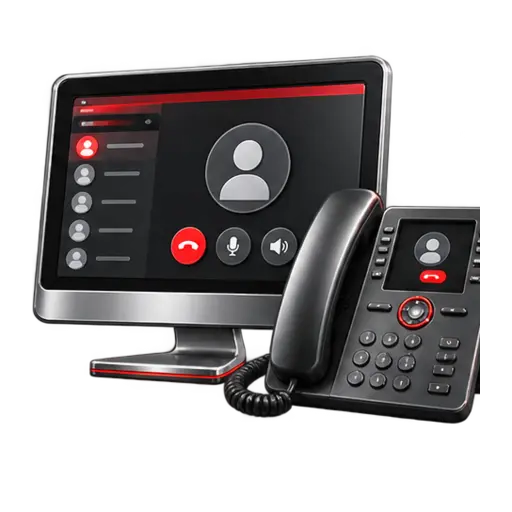
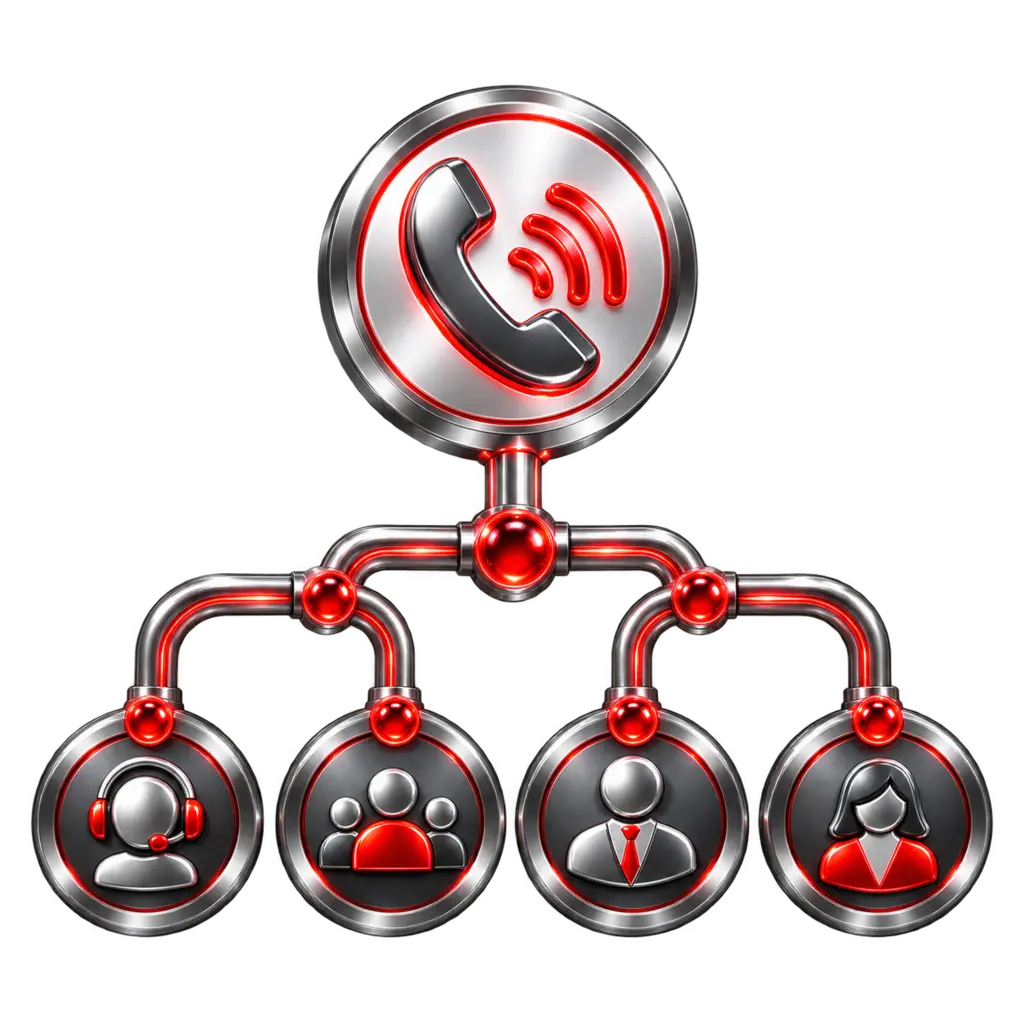
Guide callers to the right team with business-hours schedules, holiday routing, extensions, hunt groups, menus, and voicemail destinations.
 Start a conversation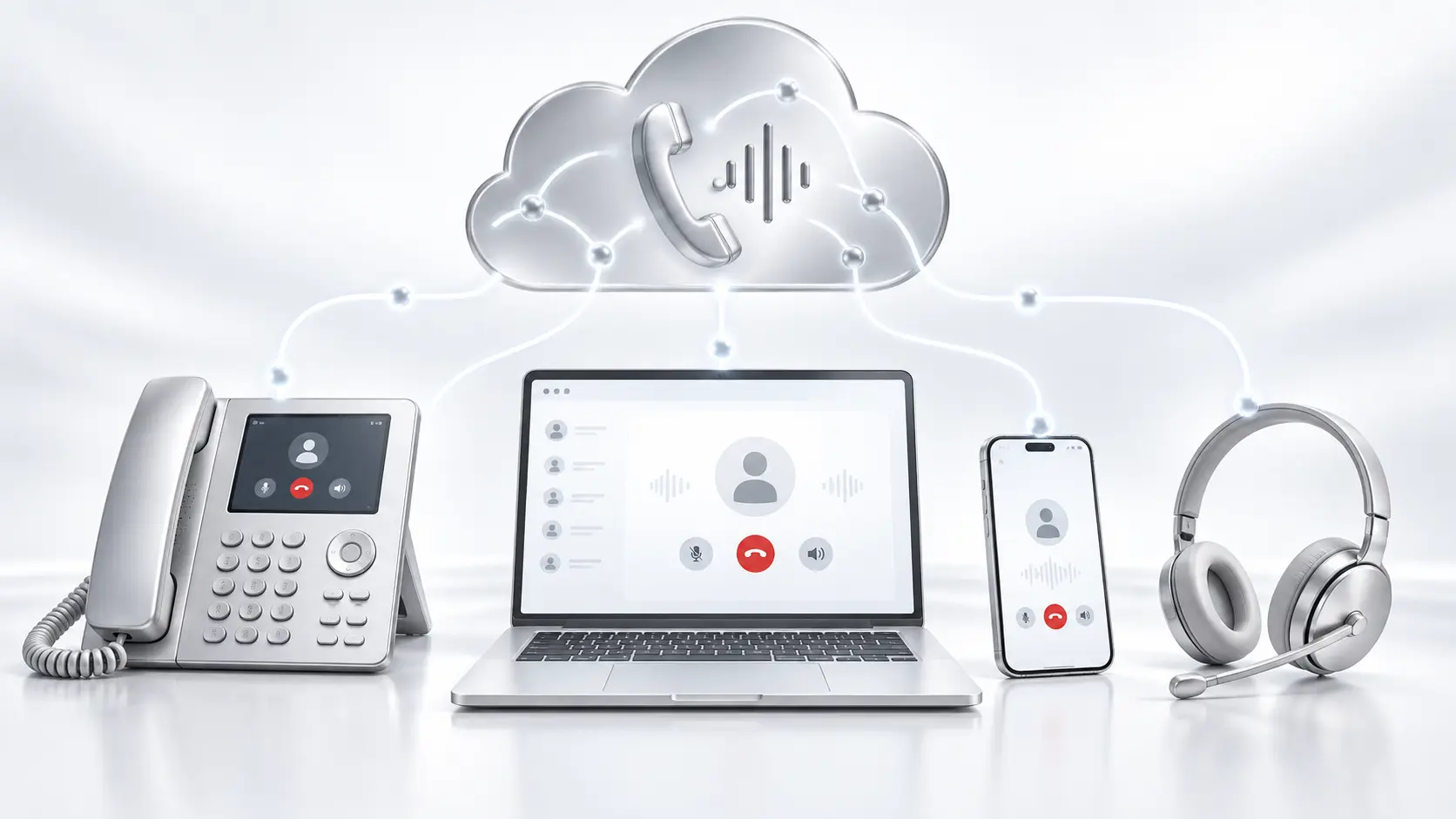
Kenmie Cloud Voice
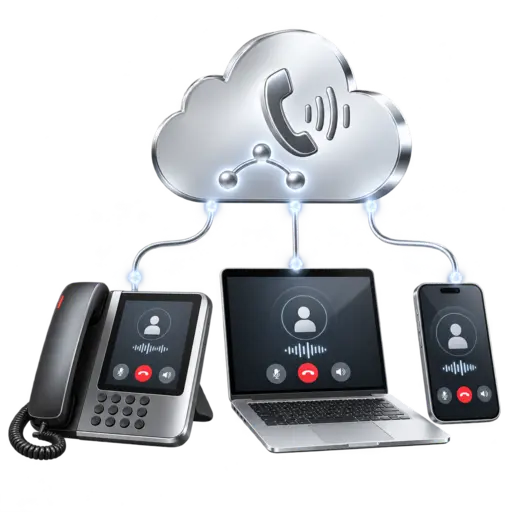
A Kenmie-managed business phone system connecting desk phones, browsers, mobile users, voicemail, and intelligent call routing—without placing the core phone platform in your office.
One connected communications system
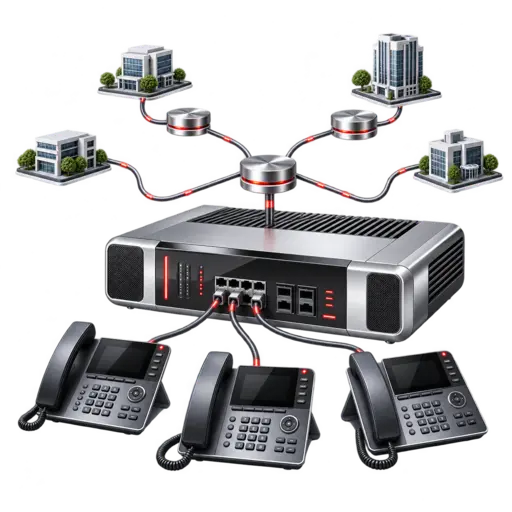
Desk phones, softphones, mobile users, voicemail, and call routing connect to one hosted platform designed and supported by Kenmie.
Built around the way your business answers
A successful phone deployment depends on call flow, network readiness, number migration, endpoint selection, user training, and responsive administration. Kenmie coordinates those pieces as one managed service.
Cloud calling capabilities
Exact features, devices, calling plans, and retention options depend on the selected service configuration and customer requirements.
Guide callers to the right team with business-hours schedules, holiday routing, extensions, hunt groups, menus, and voicemail destinations.
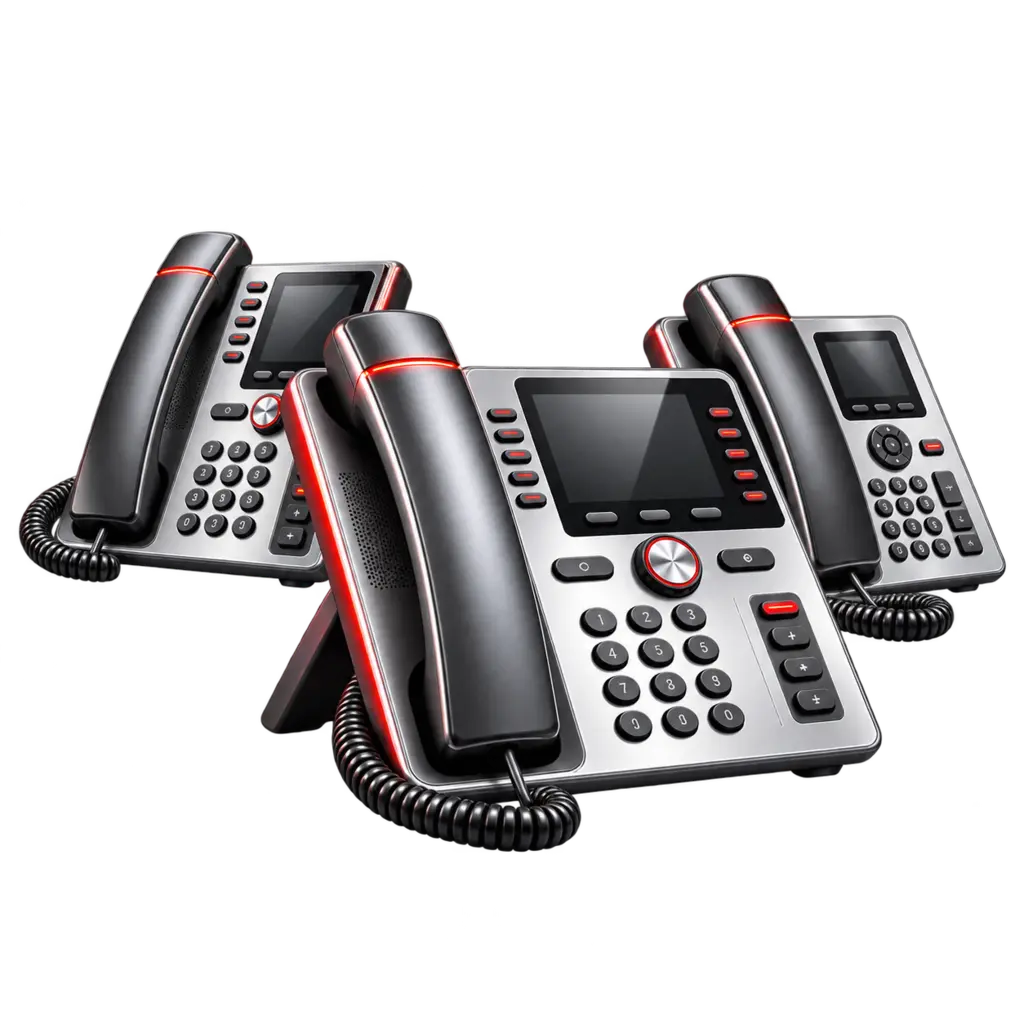
Deploy supported, preconfigured IP phones for reception areas, offices, shared spaces, conference rooms, and other business roles.
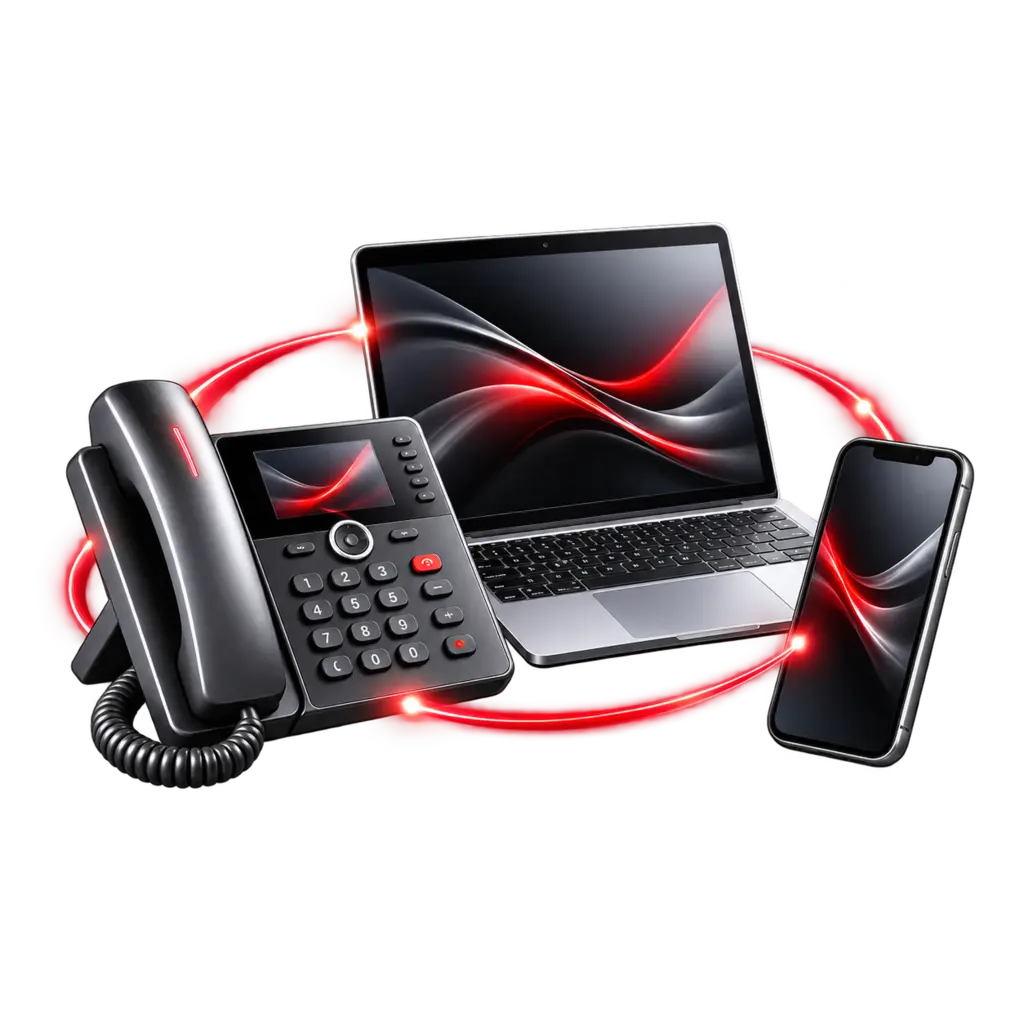
Use a business extension away from the desk through supported mobile, desktop, and browser-based calling experiences.
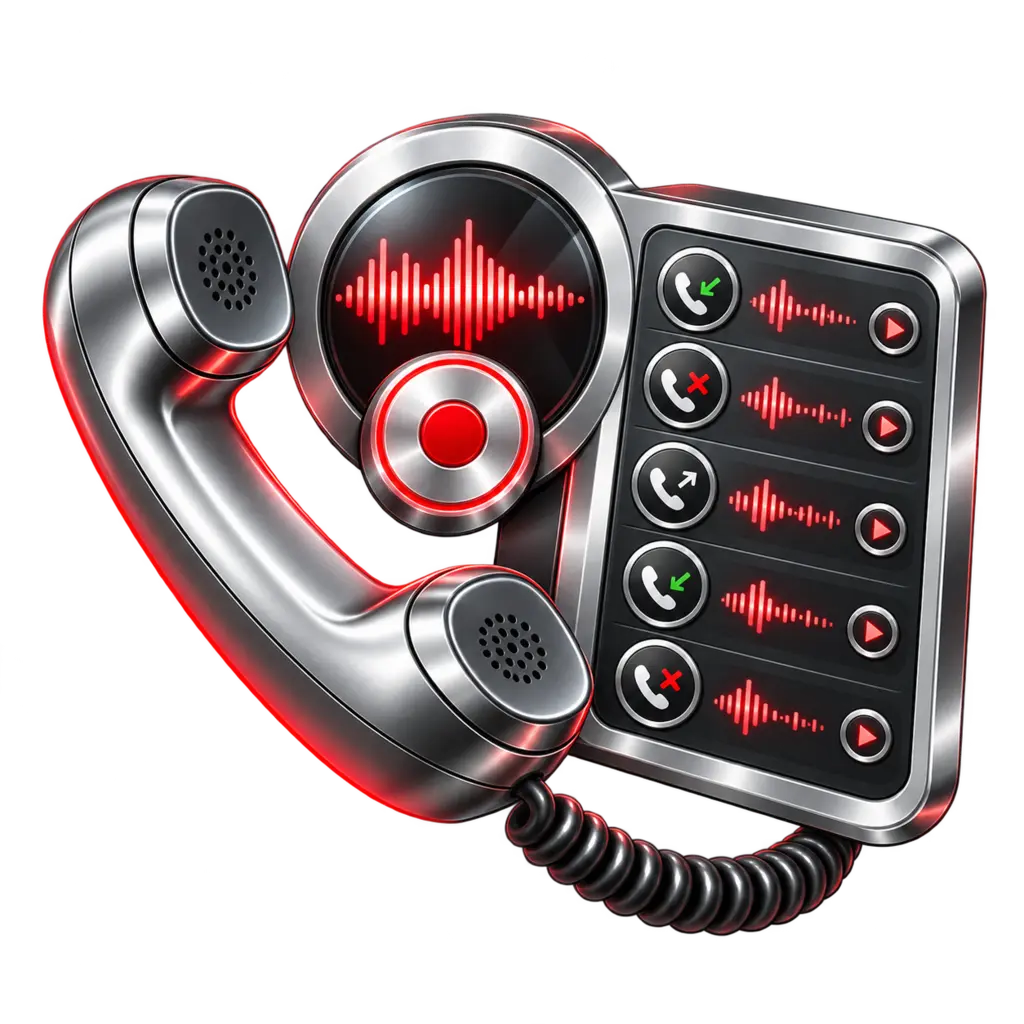
Give users personal voicemail with configurable notification and email-delivery options so important messages are easier to manage.
Enable call recording where appropriate and review call activity through available reporting and administrative tools.
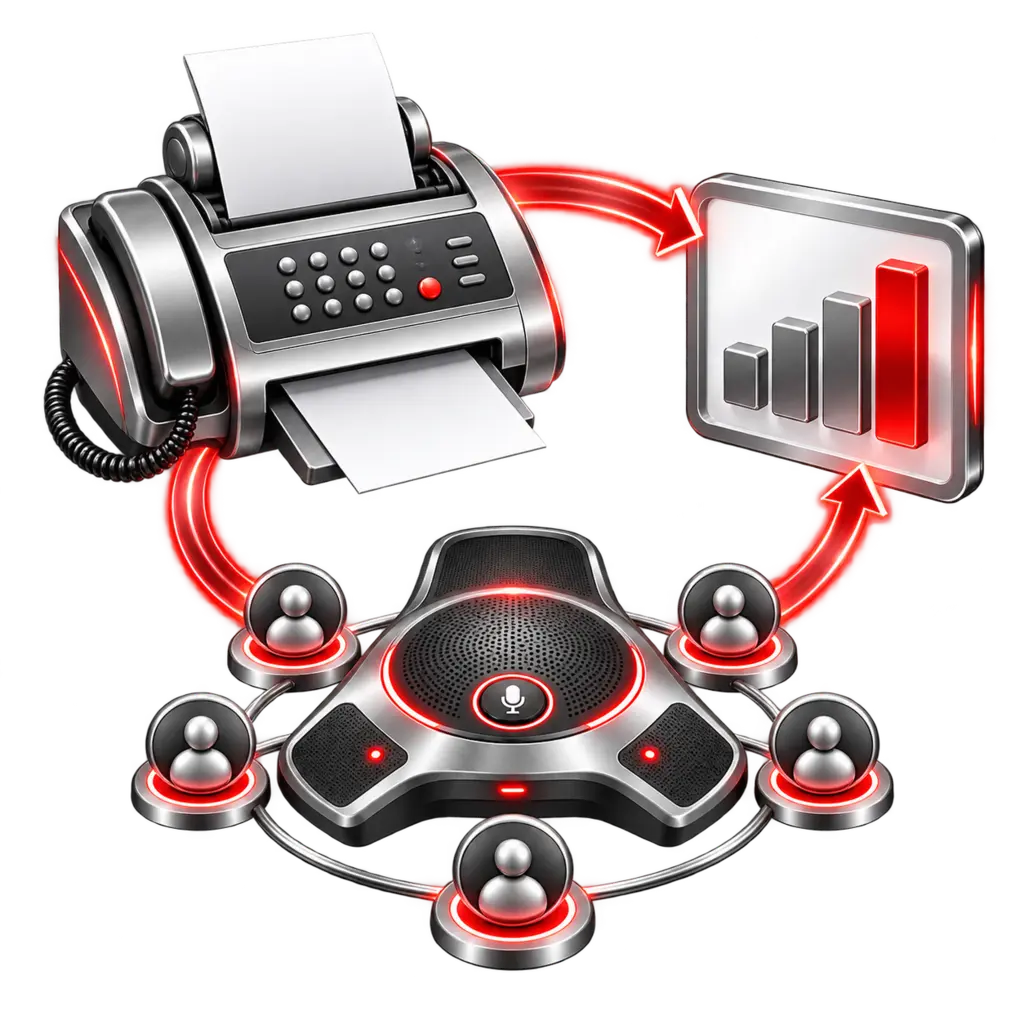
Support common business workflows with available web fax, conference bridges, call records, and usage visibility.
One extension across devices
Give appropriate users a consistent business identity without tying every conversation to a single physical telephone.
Supported IP phones provide a familiar, purpose-built calling experience for daily business use.
Supported browser and desktop calling lets users work with their business extension from a computer.
A supported mobile app keeps business calling separate from an employee’s personal mobile identity.
The Kenmie deployment process
Review users, numbers, locations, Internet connectivity, existing call flows, paging, fax, and continuity requirements.
Define extensions, menus, queues or hunt groups, schedules, endpoint choices, permissions, and the number-porting plan.
Coordinate number porting, build the call flow, prepare supported devices, and plan the transition to reduce disruption.
Install phones, activate users and applications, verify inbound and outbound calling, and provide practical user guidance.
Handle user changes, routing updates, issue escalation, documentation, and ongoing support as the organization changes.
The accountable layer
Kenmie remains the customer’s point of contact for design, deployment, routine administration, support, and coordination with the underlying service platform.
Choose the right communications platform
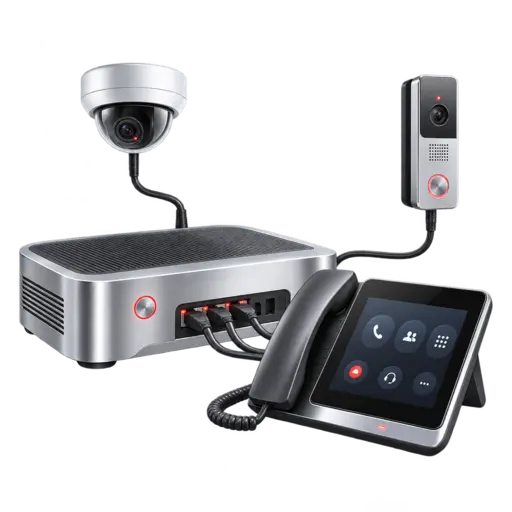
Kenmie supports hosted, UniFi-integrated, and advanced onsite approaches. We match the platform to your users, locations, applications, continuity requirements, and budget.
Network and continuity readiness
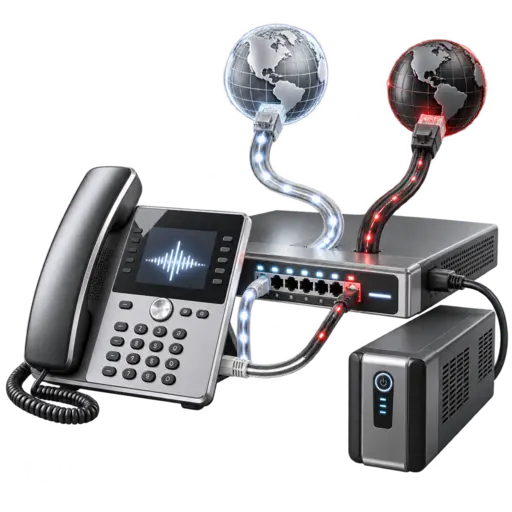
Kenmie reviews Internet capacity, switching, power protection, Wi-Fi, traffic prioritization, and practical failover requirements before deployment. Cloud calling depends on working power and connectivity.
Explore network infrastructureVoIP emergency calling differs from traditional telephone service. Emergency locations, user procedures, power, Internet availability, and applicable calling requirements must be addressed during design and onboarding.
Kenmie Cloud Voice