See who prints and how much
Report on printing by user and device, including job totals and separate color and black-and-white page counts. Spot usage patterns without making document contents the focus.
 Start a conversation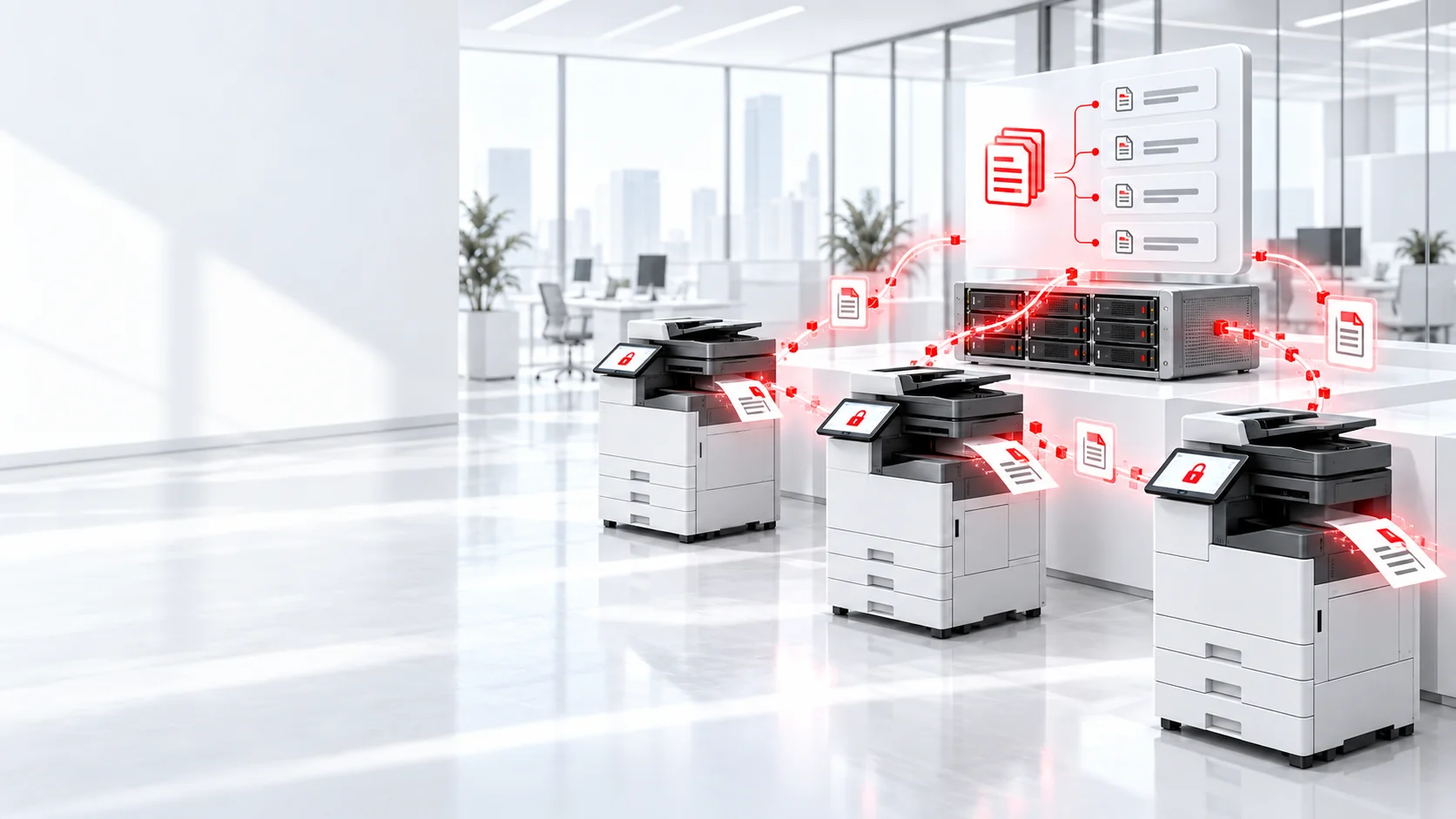
PaperCut
Understand print volume and costs, make printing easier for employees, and give sensitive documents a safer path to the printer. Kenmie helps businesses put PaperCut to work across their printer fleet.
Business print management
PaperCut's cloud-based Pocket and Hive products help organizations manage printing, track usage, and simplify printer access. Kenmie can assess your existing devices and select the right approach for your users, locations, and reporting needs.
What it solves
Whether you have a few shared printers or a mixed-brand fleet, start with the print activity and workflows that matter to your business.
Report on printing by user and device, including job totals and separate color and black-and-white page counts. Spot usage patterns without making document contents the focus.
Give employees a way to release print jobs when they reach a printer, instead of leaving pages unattended in the output tray.
Deploy the right queues and drivers to the right people and bring printers from different manufacturers into a more consistent workflow.
Choose the right fit
Both provide cloud-based print management and usage visibility. The right choice depends on the level of printer integration and control you need.
Clearer reporting
Understand who printed, which printer was used, and how many pages were color or black and white. Reports can help you review trends by user, printer, or department. Tracking for direct printing must be enabled; available device-level features depend on printer compatibility.
Start with your current printers