Kenmie designs and installs the copper, fiber, and managed wireless infrastructure that carries business systems across rooms, floors, buildings, and multi-building properties.
One campus. The right connection for every building.
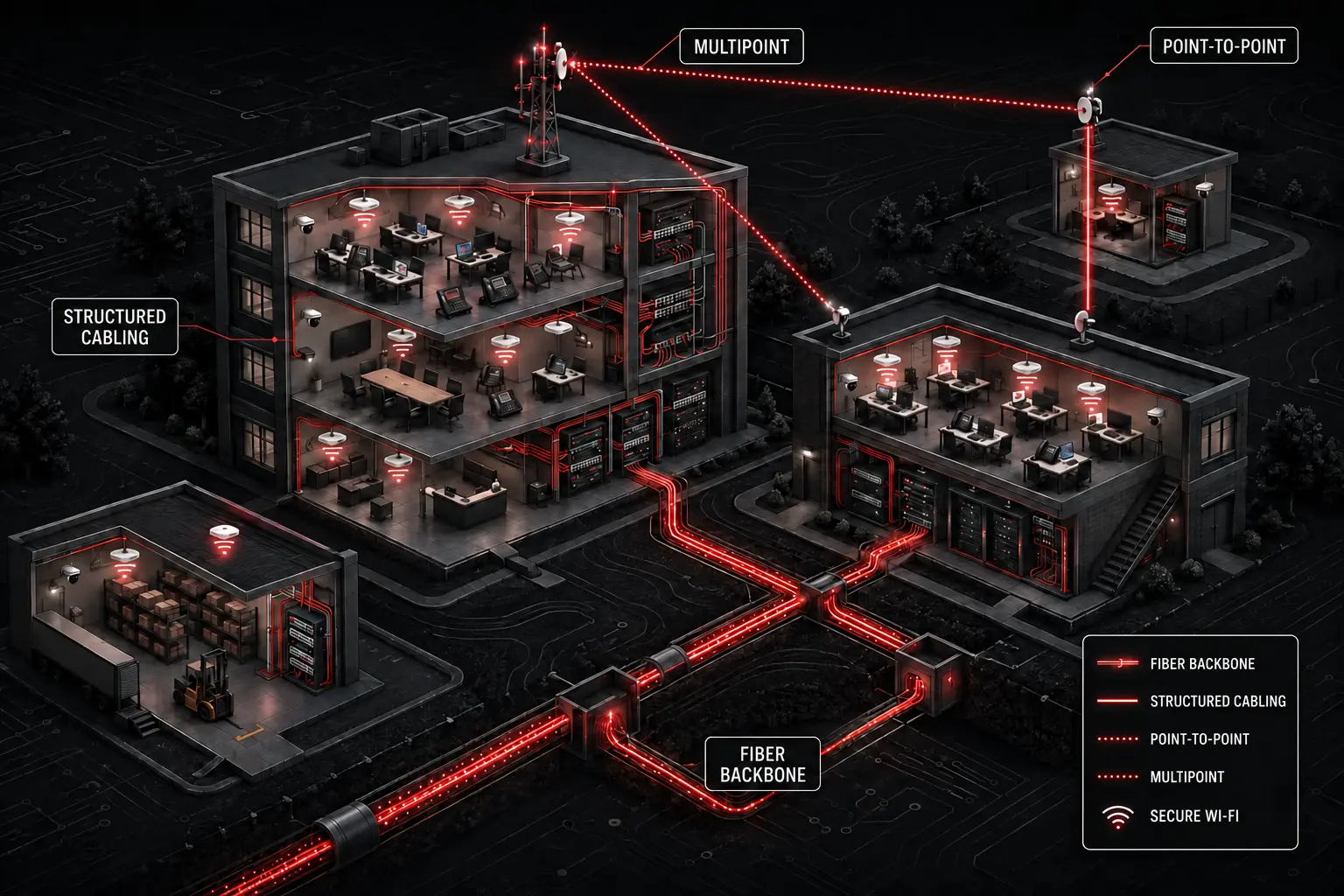
Structured cabling supports each building, fiber forms the campus backbone, and engineered point-to-point or multipoint wireless links extend service where a physical pathway is not practical.
One connected foundation
The right medium for every part of the path.
Copper is efficient for local endpoints. Fiber carries capacity over longer distances and between network areas. Wireless bridges connect locations where a physical pathway is costly or unavailable. Kenmie selects and integrates each method around the actual property.
Structured connectivity
Network Cabling
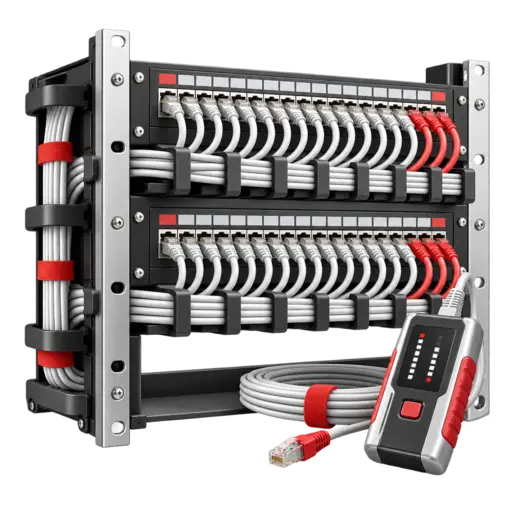
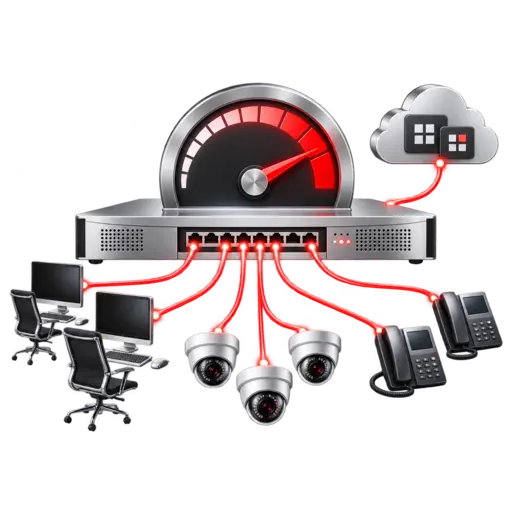
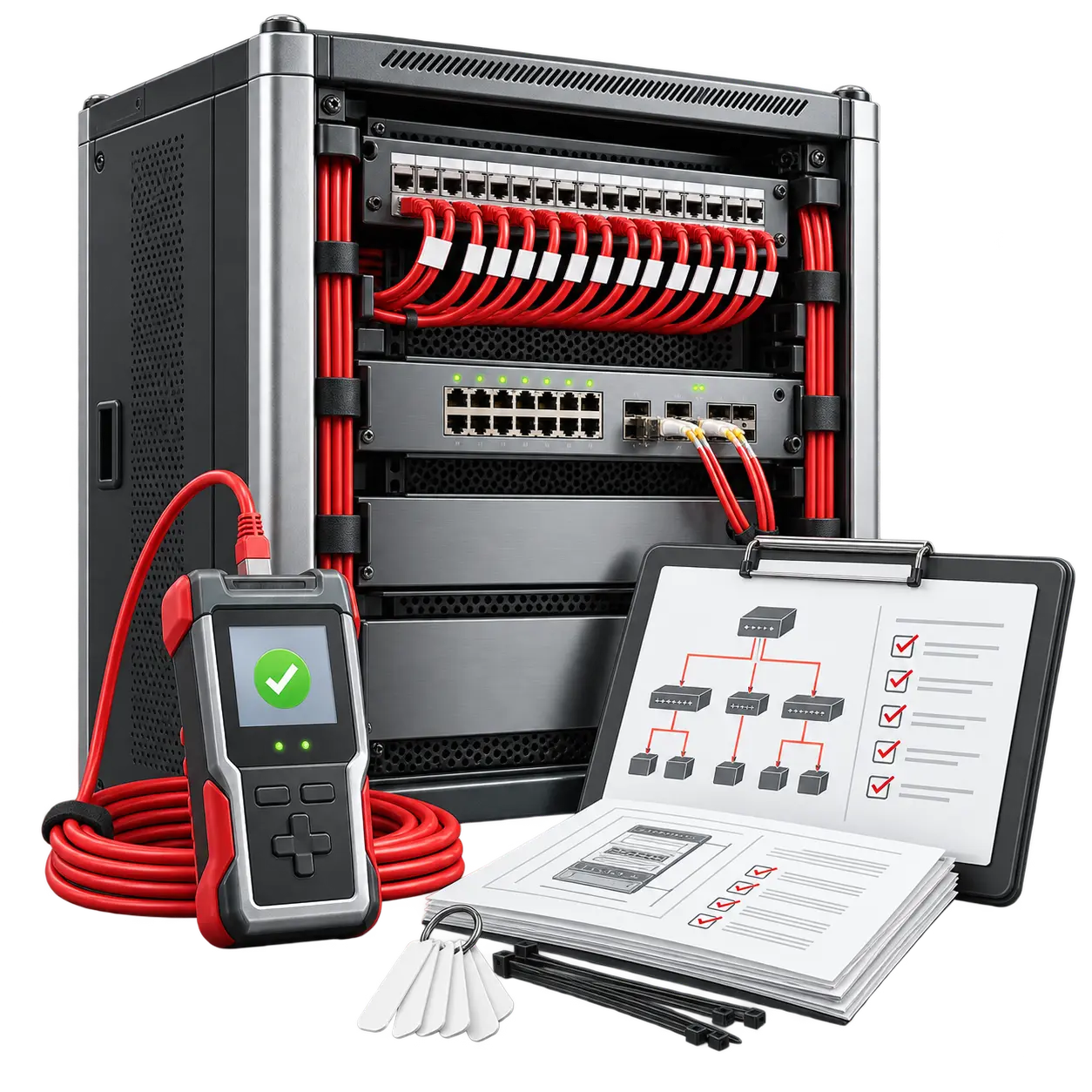
Copper network cabling provides the dependable wired foundation for workstations, phones, access points, cameras, printers, and other connected systems.
Cable routes and endpoint planning
Racks, patch panels, and terminations
Testing, labeling, and documentation
High-capacity backbone
Fiber Infrastructure
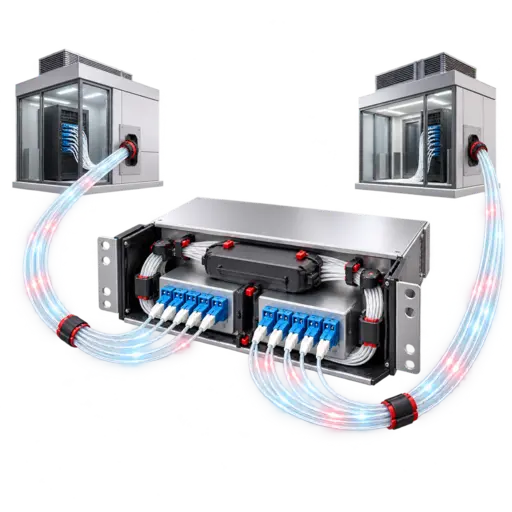
Fiber connects network rooms, floors, buildings, and high-demand systems where distance, bandwidth, or electrical isolation makes copper unsuitable.
Single-mode and multimode planning
Backbone and inter-building links
Termination, testing, and patching
One building to another
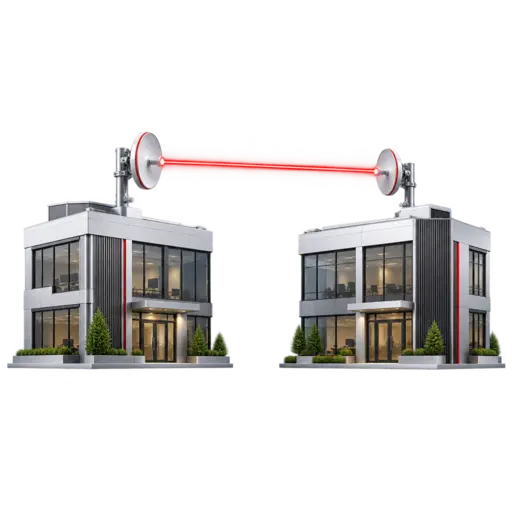
Point-to-Point Wireless
A dedicated wireless bridge can extend the network between two clear locations when trenching or installing new fiber is impractical.
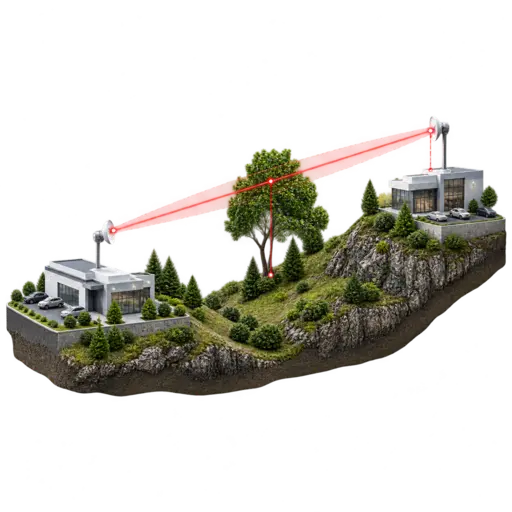
Line-of-sight path assessment
Directional alignment and mounting
Managed link visibility
One location to many
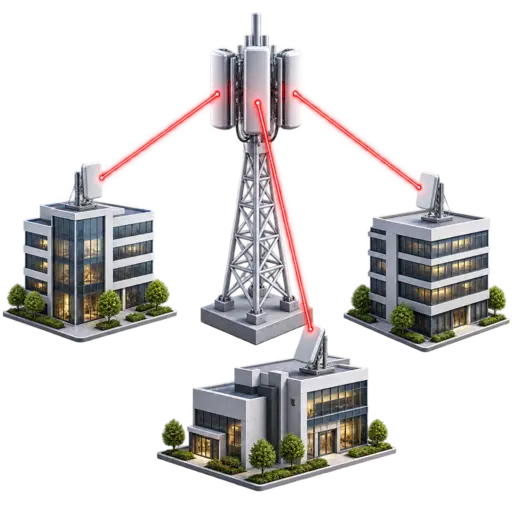
Point-to-Multipoint Wireless
A central wireless distribution point can serve multiple remote buildings or areas from one planned hub, with each link designed around distance and capacity.
Central hub and remote stations
Sector, capacity, and path planning
Scalable multi-building connectivity
Managed UniFi infrastructure
Switching, Wi-Fi, bridges, power, and continuity.
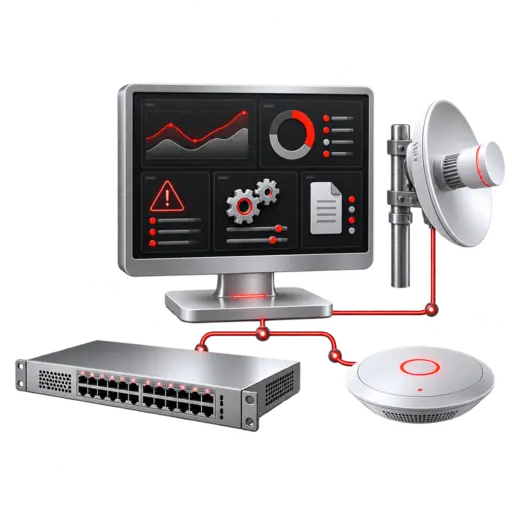
Kenmie designs and manages UniFi switching, wireless access points, building bridges, centralized hosting, managed power, and selected cellular continuity equipment beneath the appropriate security platform.
Central monitoring and lifecycle management
Business Wi-Fi and PoE switching
LTE or 5G continuity after compatibility validation
Documented configurations and responsive support
Building-to-building options
Point-to-point or point-to-multipoint?
The property layout and traffic pattern determine the topology. A link should be chosen for the application rather than forced into a one-size-fits-all design.
Dedicated path
Point-to-Point
Connects one location directly to one other location. It is well suited to linking a main building with a nearby office, shop, warehouse, gatehouse, camera location, or outbuilding.
Shared distribution
Point-to-Multipoint
Connects a central location to several remote locations. It is useful for campuses, commercial properties, farms, equipment yards, municipalities, and other distributed facilities.
Designed before it is installed
A reliable link begins with the site.
Wireless performance cannot be judged by distance alone, and cable type cannot be selected without understanding pathways and use. Kenmie evaluates the conditions that shape the finished network.
Path and site conditions
Distance, elevation, obstructions, building materials, mounting locations, and future development influence the connection method.
Capacity and application
User traffic, cameras, voice, cloud applications, backups, and future growth determine practical throughput requirements.
Power and protection
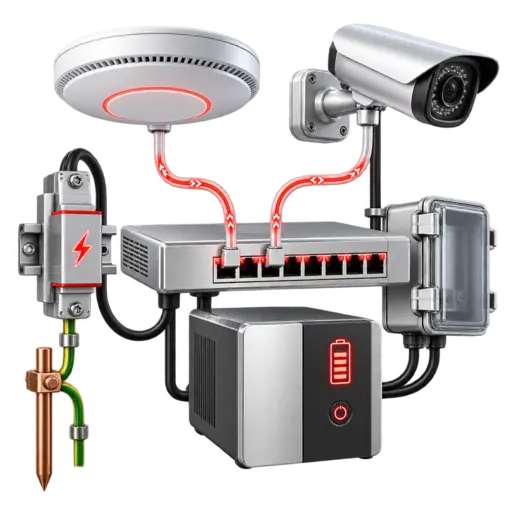
PoE requirements, grounding, surge protection, weather exposure, and equipment location are considered as part of the installation.
Management and visibility
Managed devices, performance monitoring, firmware planning, alerts, and documentation help keep the connection supportable after installation.
Visibility after installation
See what is moving across the network.
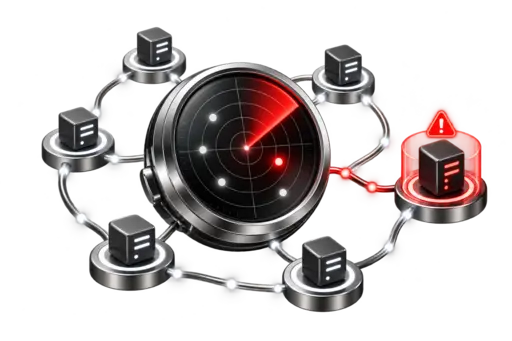
WatchGuard Network Detection & Response can analyze supported flow telemetry from Fireboxes, switches, routers, VPNs, and cloud networks to help uncover lateral movement, rogue devices, scanning, and other suspicious behavior.
A complete path from requirements to documentation.
Kenmie treats each project as an operational network, coordinating the physical pathway, selected medium, active equipment, configuration, testing, and information needed to support it later.